Every detail. Under your control.
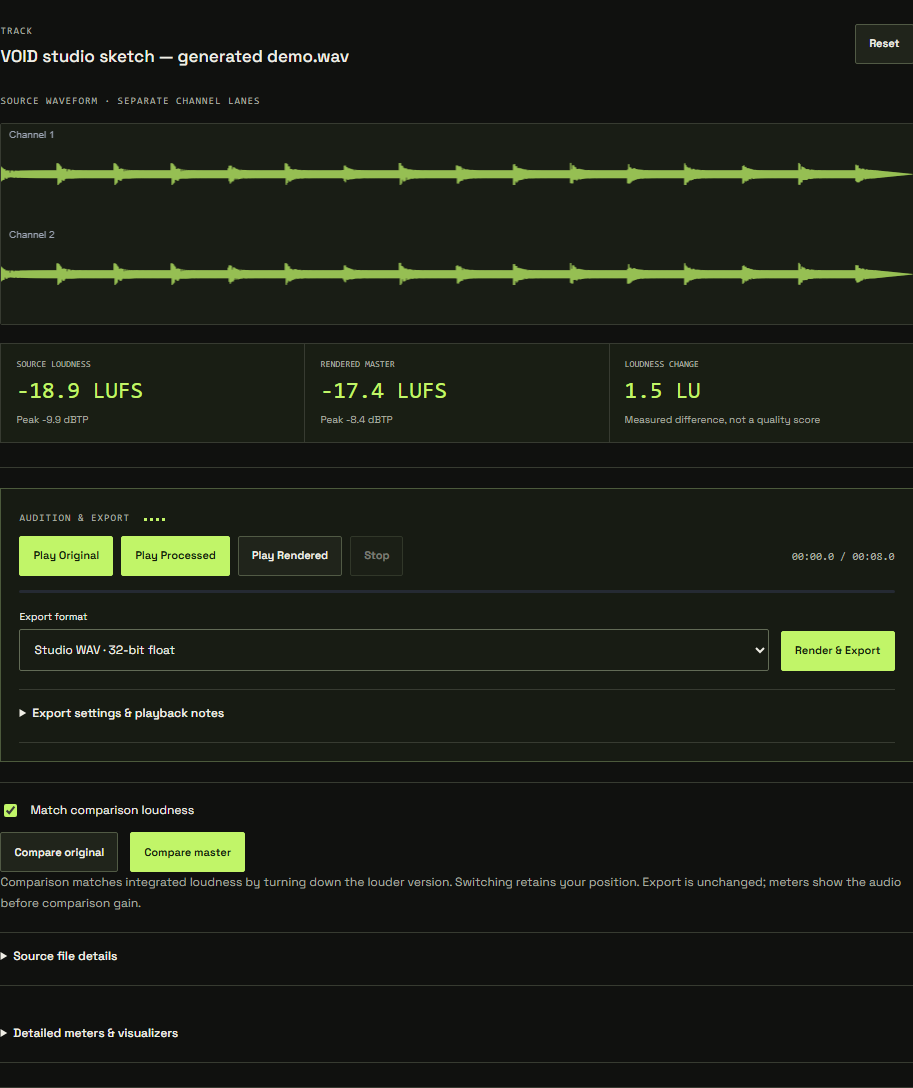
A finishing room for independent sound.
A chain you can understand.
Trim, EQ, Dynamics, Width, Clip and Limit. Inspect the settings, change the order, bypass a stage and hear what each decision contributes.
A starting point, not a verdict.
Local Auto uses measurements to suggest a bounded chain. Choose a direction, audition fairly and refine it by ear. Undo stays within reach.
Compare with context.
Keep original, live processed and checked rendered playback distinct. Loudness-matched comparison helps you judge the change without rewarding volume alone.
Keep your source close.
Import a WAV and process locally. No audio upload is needed. Accounts save settings and source descriptors so you can return with your original file.
Check the finish.
Read source and rendered loudness, inspect true peaks and use optional measured output protection. Re-render whenever the chain changes.
Deliver the next version.
Export float32, PCM24 or PCM16 WAV at the source rate, or supported mono/stereo material as 320 kbps MP3. Keep a chain file for portability.
Built with useful boundaries.
This is a development release. VOID supports compatible WAV files subject to available browser memory. Large or high-resolution files require more memory and may be safely refused on lower-memory devices. Auto and optional AI require mono/stereo. Live processed preview depends on secure browser capabilities. Optional online AI is currently administrator-only; local Auto works without it.