From a wall of controls to import, listen, refine, download
The early VOID interface exposed the machinery. The next step was to make the first useful listen easier to reach.
What changed in the journey
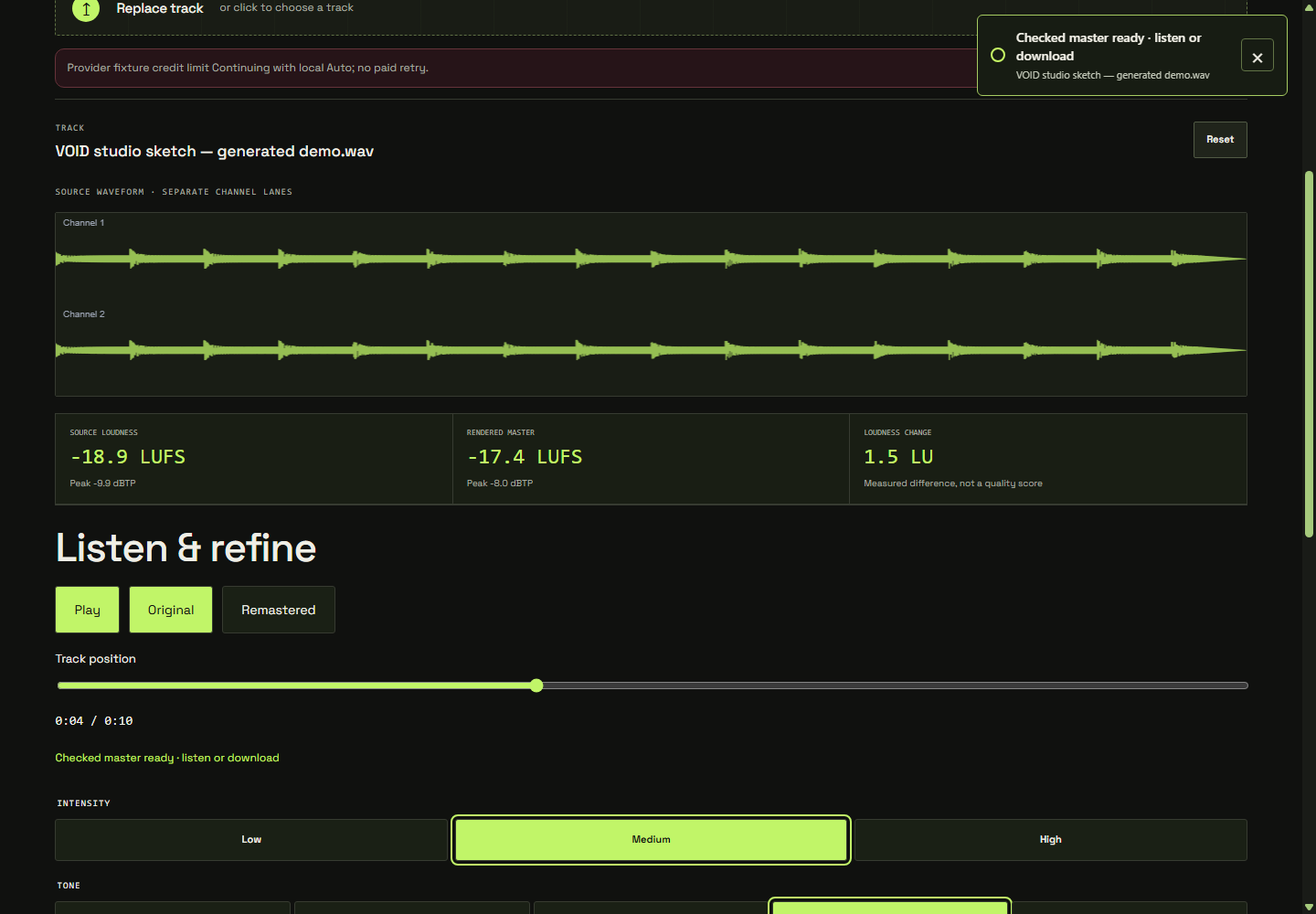
A row of processors is useful when you already know the adjustment you want. It is less helpful when your first question is simply, “What does this do to my track?” The studio workflow evolved toward three stages: Import, Listen & refine, and Download. Importing a supported WAV prepares a starting master without starting playback for you.
The change is about where attention goes. You begin with a source and a comparison, then refine the amount and tonal direction. The underlying processing remains accessible in Advanced. The earlier browser-local foundation made that possible: the interface can change while the listener keeps access to the chain.
Start with a familiar passage
Choose one finished mono or stereo WAV and keep its original copy. After import, wait for the preparation status to settle. Start playback yourself and choose a passage with something specific to judge: a lead vocal, a kick and bass relationship, or the transition into a chorus. You do not need to evaluate every second at once.
Switch between Original and Remastered at that passage. The single player keeps your position when you switch. Leave comparison loudness matching enabled for the first assessment, so a level change is less likely to dominate the decision. Our comparison chapter explains why that is worth doing.
Refine one decision at a time
Use Low, Medium or High intensity to explore the amount of processing. Treat those as alternative starting points, not a ladder where the highest setting wins. Then try a tonal direction, from Warmer through Neutral to Brighter. Listen again before moving another control.
A useful note is concrete: “The vocal is easier to follow, but the cymbals are becoming too forward.” That tells you what to revisit. “It sounds more mastered” gives you much less to work with. Return to the original regularly; after enough repetition, even an unhelpful change can start to feel normal.
Open Advanced for a reason
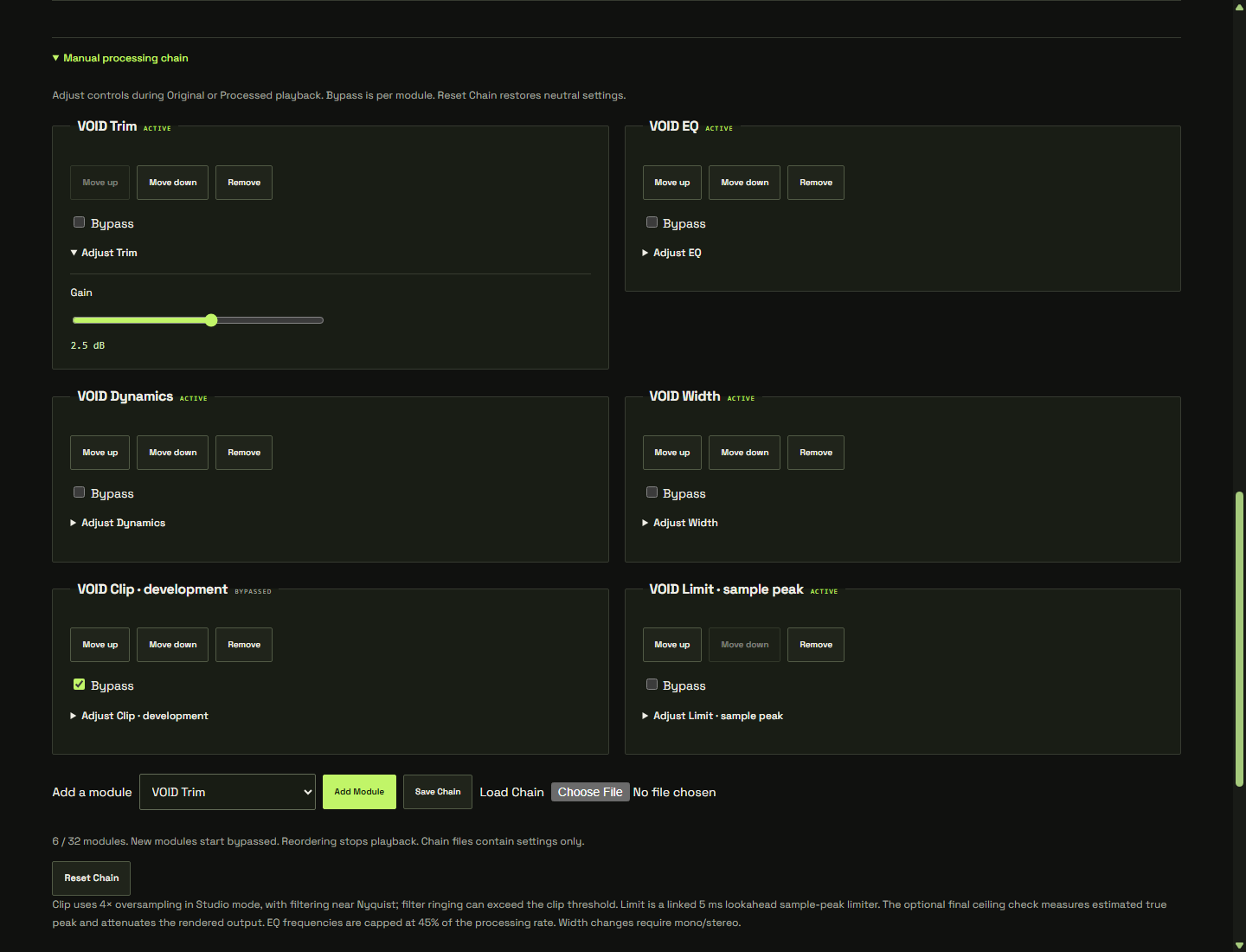
If a broad choice is close but not quite right, Advanced exposes the manual processing chain, bypass, ordering, presets and file settings. Make one targeted adjustment and compare again. More active modules do not automatically mean a more finished result.
Optional creative effects add whole-mix reverb and delay. They begin off. If you try them, pay attention to the space around drums and vocals and to the end of the track. Effects applied to a finished mix act on the combined signal, so the consequences can be broader than adding an effect to an individual instrument.
Let the final settings finish checking
After a change, the studio checks a render of the current chain in the background. Download waits for those settings. That connects the version you choose with the version being prepared for export, but you should still audition the downloaded file. The final chapter covers the checks between a good preview and a finished download.
Ready to try it? Open the studio and work through one passage before processing a whole collection. Keep the changes you can explain.